
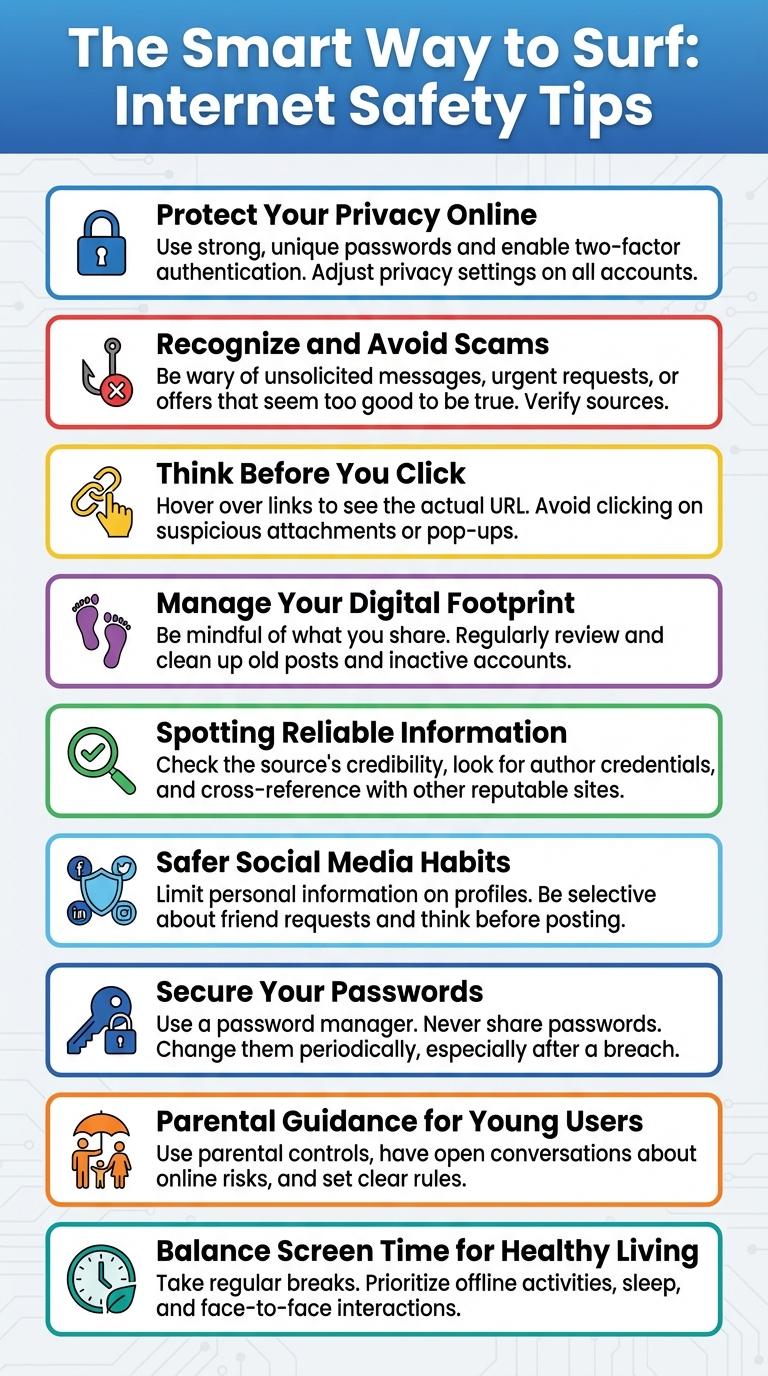
Using the internet wisely enhances online safety and protects personal information from cyber threats. Engaging in responsible browsing habits minimizes exposure to misleading content and digital scams. Smart internet use fosters a positive digital footprint and promotes healthier online interactions.
The Smart Way to Surf: Internet Safety Tips
Surfing the internet safely protects your personal information and enhances your online experience. Using strong passwords and avoiding suspicious links helps prevent cyber threats.
Always update your software to guard against security vulnerabilities. Be cautious about sharing personal details on social media platforms. Use reliable security tools like antivirus programs to stay protected against malware and scams.
Protect Your Privacy Online
Protect your privacy online by using strong, unique passwords for each account. Enable two-factor authentication to add an extra layer of security. Be cautious about sharing personal information on websites and social media platforms to minimize the risk of identity theft.
Recognize and Avoid Scams
How can you recognize and avoid internet scams effectively?
Identify suspicious emails or messages that request personal information or urgent action. Always verify the source before clicking on links or downloading attachments.
Think Before You Click
Using the internet wisely protects your privacy and enhances your online experience. Thinking before you click helps avoid scams, misinformation, and cyber threats.
- Verify Links - Check URLs carefully to avoid phishing websites that steal personal information.
- Evaluate Sources - Ensure information comes from reliable and trustworthy websites before trusting content.
- Pause and Reflect - Consider the consequences of clicking on unknown links or downloading files to prevent malware.
Making mindful choices on the internet keeps you safe and informed in the digital world.
Manage Your Digital Footprint
Managing your digital footprint is essential for maintaining online privacy and reputation. Every action you take on the internet leaves a trace that can be permanent.
Be mindful of the information you share on social media and public platforms. Regularly review and update your privacy settings to control who sees your data.
Spotting Reliable Information
The internet contains vast amounts of information, but not all sources are reliable. Learning to spot trustworthy content helps users make informed decisions and avoid misinformation.
Identifying credible online information requires evaluating source authority, cross-checking facts, and recognizing bias.
- Check the Source - Verify the website or author's credentials to ensure expertise and legitimacy.
- Cross-Reference Information - Compare details with multiple reputable sites to confirm accuracy.
- Assess Bias and Purpose - Determine if the content has an agenda or presents balanced viewpoints.
Safer Social Media Habits
| Tip | Description |
|---|---|
| Strong Passwords | Use unique, complex passwords for each social media account to prevent unauthorized access. |
| Privacy Settings | Regularly update privacy settings to control who can view your information and posts. |
| Think Before Posting | Consider the potential impact and audience before sharing personal information or opinions. |
| Beware of Phishing | Avoid clicking on suspicious links or messages that request sensitive information. |
| Limit Friend Requests | Accept connections only from people you know to reduce the risk of scams or data misuse. |
Secure Your Passwords
Protecting your online accounts starts with strong password security practices. Secure passwords prevent unauthorized access and protect your personal information from cyber threats.
- Use complex passwords - Combine letters, numbers, and symbols to create strong and unique passwords for each account.
- Enable two-factor authentication - Add an extra layer of security by requiring a second form of verification.
- Avoid password reuse - Use different passwords for different sites to reduce the risk if one password is compromised.
Parental Guidance for Young Users
Parental guidance is essential for young internet users to ensure safe and responsible online behavior. Setting clear rules and monitoring online activities help protect children from inappropriate content and cyber threats. Encouraging open communication allows parents to address concerns and educate children about digital literacy and privacy.