
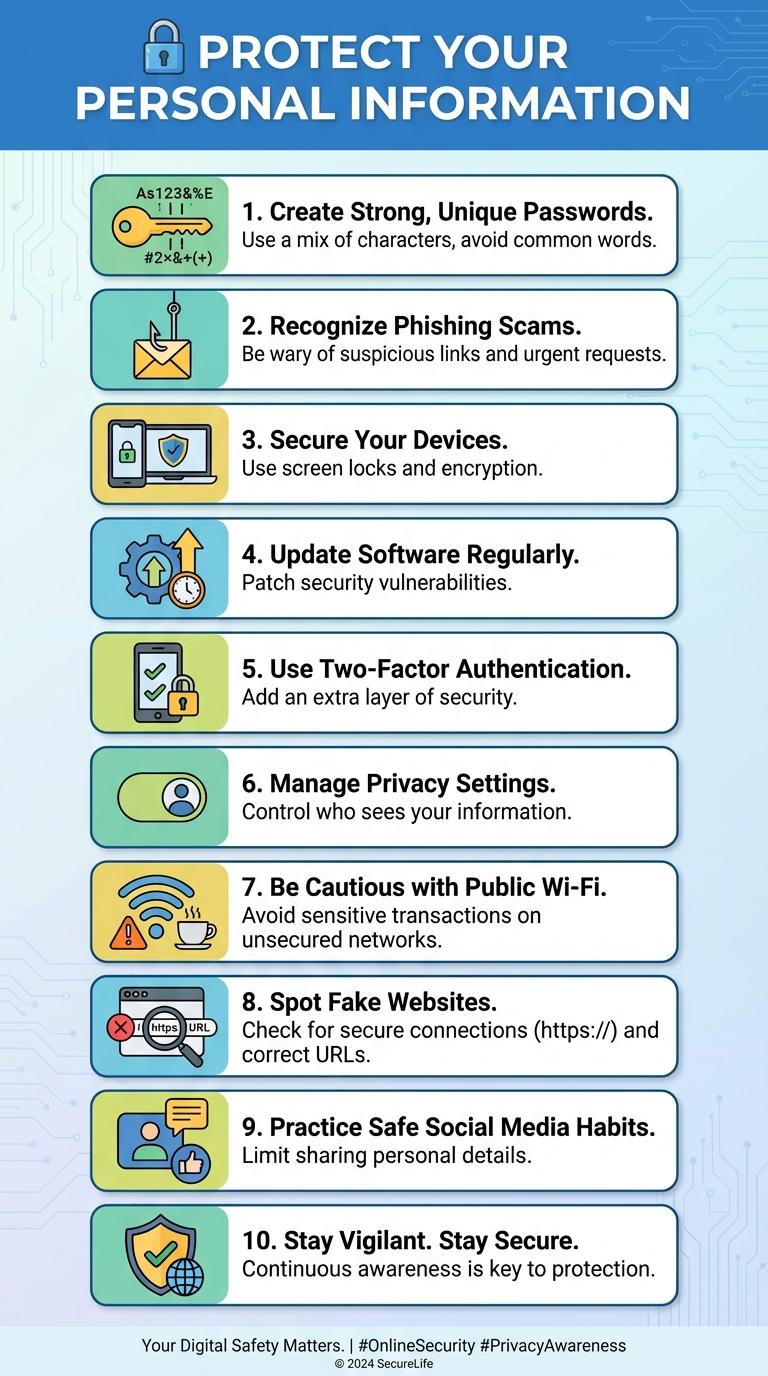
Protecting your personal information and maintaining privacy are essential in today's digital landscape. Understanding key practices such as strong password creation, recognizing phishing attempts, and using secure connections can significantly reduce online risks. Staying informed empowers users to navigate the internet safely and confidently.
Protect Your Personal Information
Protecting your personal information online is essential to avoid identity theft and privacy breaches. Use strong, unique passwords for each account and enable two-factor authentication whenever possible.
Be cautious about the information you share on social media and avoid clicking on suspicious links or attachments. Regularly update your software and use reputable security tools to keep your data safe.
Create Strong, Unique Passwords
Creating strong, unique passwords is essential for protecting your online accounts from unauthorized access. Use a combination of uppercase letters, lowercase letters, numbers, and special characters to increase password strength.
Avoid using easily guessable information such as birthdays or common words. Consider using a reputable password manager to generate and store unique passwords securely for each account.
Recognize Phishing Scams
Phishing scams are fraudulent attempts to obtain sensitive information by disguising as trustworthy entities online. Recognizing these scams is crucial for protecting personal data and preventing identity theft.
Phishing attacks often come through emails, messages, or websites that mimic legitimate sources to deceive users.
- Check the Sender's Email Address - Verify if the sender's email matches the official domain or looks suspicious.
- Look for Urgent or Threatening Language - Scammers use pressure tactics to prompt immediate action without thought.
- Avoid Clicking Suspicious Links - Hover over links to preview URLs and ensure they lead to legitimate websites before clicking.
Secure Your Devices
Protect your devices by keeping software and operating systems up to date to prevent security vulnerabilities. Use strong, unique passwords combined with two-factor authentication to enhance account protection. Regularly scan devices with trusted antivirus software to detect and remove potential threats.
Update Software Regularly
Keeping your software updated is crucial for protecting your devices against the latest security threats. Regular updates fix vulnerabilities and improve overall system performance.
- Patch Security Flaws - Updates close known security gaps that hackers exploit to gain unauthorized access.
- Enhance System Stability - Software updates often improve functionality and reduce crashes or errors.
- Gain New Features - Updating ensures access to the latest security tools and performance improvements.
Use Two-Factor Authentication
Two-factor authentication (2FA) adds an extra layer of security to your online accounts. It requires not only a password but also a second form of verification, such as a code sent to your phone.
Using 2FA significantly reduces the risk of unauthorized access by making it harder for hackers to break in. Many popular services like Google, Facebook, and Apple support 2FA for enhanced protection. Enabling 2FA is a simple yet effective step to safeguard your personal information online.
Manage Privacy Settings
| Tip | Description |
|---|---|
| Review Privacy Settings | Regularly check and adjust privacy options on social media and online accounts to control who can view your information. |
| Limit Personal Information | Share only necessary details; avoid posting sensitive data like home address or phone number. |
| Use Strong Passwords | Create complex passwords and update them frequently to protect account access. |
| Enable Two-Factor Authentication | Add an extra security layer by requiring a second form of verification when logging in. |
| Manage App Permissions | Grant apps only the permissions they need and review these settings regularly to minimize data exposure. |
Be Cautious with Public Wi-Fi
Public Wi-Fi networks often lack strong security measures, making personal data vulnerable to hackers. Avoid accessing sensitive information, such as online banking or private emails, when connected to open Wi-Fi. Use a reliable virtual private network (VPN) to encrypt your internet traffic and protect your privacy on public networks.
Spot Fake Websites
How can you identify fake websites online? Fake websites often use suspicious URLs and poor-quality images to appear legitimate. Always check the website's domain carefully and look for secure connections indicated by "https".
What are common signs of fraudulent websites? Fake websites may have numerous pop-ups and spelling errors throughout their content. Verifying contact information and searching for reviews can help confirm authenticity.
Why is it important to avoid entering personal information on unverified sites? Providing sensitive data to fake websites can lead to identity theft and financial loss. Use trusted websites with verified security certificates to safeguard your information.
How can browser tools assist in spotting fake sites? Many browsers offer warnings for potentially harmful websites and extensions that check site reputation. Enable these features to enhance your online safety when browsing.
What steps should you take if you suspect a website is fake? Report the site to authorities or cybersecurity organizations and avoid interacting with it further. Running antivirus scans and changing passwords can add extra layers of protection.